 knacksnews
5 Best Alternatives to Media Player Classic for a Smooth Viewing Experience
For years, Media Player Classic (MPC) was a go-to media player for those who wanted a lightweight, no-nonsense video playback experience. However, as technology evolved, MPC began to fall behind, with development slowing and modern features missing. If you're looking for a new media player that provides better performance, wider format support, and modern functionality, you're in the right place. Below, we explore the top five alternatives that offer a superior media experience.
Top 5 Alternatives to Media Player Classic
PotPlayer: Feature-Rich with Advanced Capabilities
PotPlayer is another powerful media player that outperforms MPC in many aspects. PotPlayer was designed by Kakao, a South Korean corporation. PotPlayer boasts of playing media smoothly with high customizability and low system consumption. It plays almost every video format out there, so it is an excellent choice for any media lover.
Where PotPlayer excels is in the support for 3D and 360-degree video, something that MPC cannot offer. It also features native screen recording, so users can easily record their favorite scenes. Hardware acceleration and multi-audio output further enrich the playback experience. PotPlayer also offers a minimalist, contemporary interface without sacrificing deep customization options for those who enjoy tweaking the viewing experience.
: The Ultimate All-Rounder
VLC Media Player has been the people's champ for years and a reason. It's an open-source, multi-platform media player that plays nearly every audio and video file with no additional codecs required. Its ability to play so many formats makes it a solid competitor to Media Player Classic. With hardware acceleration, VLC provides smooth playback, including for high-definition videos. It also has advanced customization features, allowing individuals to modify audio, subtitles, and video properties to suit their needs. In contrast to MPC, VLC receives periodic updates, so it remains current with the new media technologies.
One of VLC's standout features is its ability to stream media online and even convert file formats. Whether you want to watch movies, listen to music, or cast media on another device, VLC handles it all effortlessly. Additionally, it supports a variety of plugins and extensions that expand its functionality even further. VLC also includes an equalizer for fine-tuning audio, making it a great option for those who want full control over their media experience. Its interface is simple yet effective, and users can even apply skins to customize the appearance of the player.
KMPlayer: A Lightweight Yet Powerful Alternative
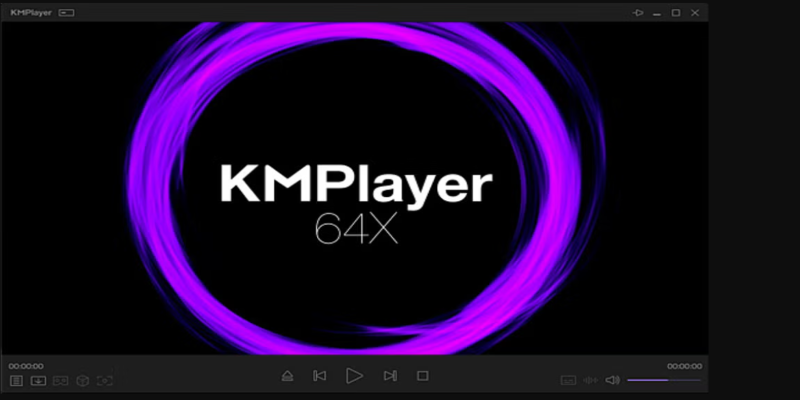
If you’re looking for something lightweight but still packed with features, KMPlayer is a solid choice. Originally developed in South Korea, KMPlayer offers an extensive range of video playback options, including support for high-resolution formats like 4K and 8K. It even supports 3D videos, ensuring an immersive media experience.
Unlike MPC, which often requires additional codecs, KMPlayer comes with built-in codec support, making it convenient for users who don't want the hassle of downloading extra software. The player also allows users to adjust playback speed, apply filters, and tweak subtitle settings with ease. Another notable feature is its support for mobile platforms, which MPC lacks, making KMPlayer a versatile choice for those who like to watch media on different devices.
KMPlayer includes features like a screen capture tool, audio normalization, and advanced playback controls that make it an excellent choice for users who want more than just a basic media player. Its interface is user-friendly, and it supports a variety of skins and themes to personalize the viewing experience.
GOM Player: A Reliable Choice for Customization Lovers
GOM Player is another excellent alternative to Media Player Classic, offering a blend of simplicity and advanced features. One of its strongest features is the ability to search and sync subtitles automatically, a function that makes it a favorite among international movie lovers. Unlike MPC, GOM Player also supports 360-degree VR playback, ensuring a more modern experience.
A unique feature of GOM Player is its ability to play damaged or incomplete video files, something few media players can do. It also allows users to search for missing codecs directly through the player, making it incredibly user-friendly. Though it includes ads in its free version, its premium variant removes ads while enhancing functionality.
GOM Player also has built-in screen and audio capture options, allowing users to record sections of their media with ease. The player supports an extensive range of audio and video effects, giving users more control over playback quality.
MPV Player: Minimalist Yet Powerful
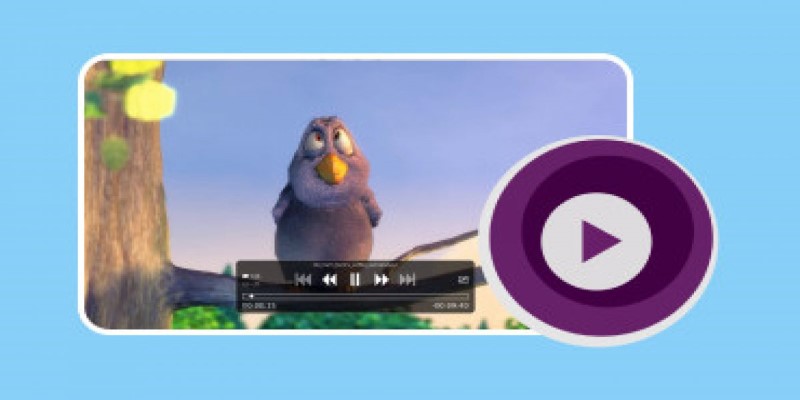
MPV Player is perfect for those who appreciate a lightweight, no-frills media player that still offers powerful playback features. Built on the MPlayer and FFmpeg frameworks, MPV provides high-quality video playback while maintaining a simple and clean interface.
One of the main advantages of MPV over MPC is its smooth performance, even when playing 4K and 8K videos. It supports GPU video decoding, ensuring efficient performance on modern systems. Though it lacks an extensive user interface with multiple settings, it allows script-based customization for users who prefer to tweak their playback experience using commands.
MPV is designed for efficiency and simplicity, making it a great choice for users who don’t need a cluttered UI filled with unnecessary features. It also has a minimal memory footprint, meaning it won’t slow down your system while running in the background. The player supports various extensions and scripts, allowing users to automate tasks and improve their overall experience.
Conclusion
While Media Player Classic was once a favorite, modern media players now offer better performance, advanced features, and regular updates. VLC Media Player is the best all-rounder, while PotPlayer and KMPlayer provide extensive customization. GOM Player is ideal for users who love tweaking their settings, and MPV is perfect for those who prefer simplicity with power.
Your choice depends on your needs—VLC and PotPlayer suit those who want feature-packed players, while MPV and KMPlayer are great for lightweight efficiency. Whichever you choose, you'll enjoy a smoother experience than with the outdated Media Player Classic.
Related Articles
Neat Video Explained: Noise Reduction Without the Blur

Discover the Top Password Managers to Keep Your Accounts Secure
Master AI Automation: 5 Ways to Automate Brain Pod AI Effectively

5 Best Alternatives to Media Player Classic for a Smooth Viewing Experience

AI job search tips
Top MKV Players for Mac 2025: Best for Smooth 4K Playback
Maximize Your Efficiency: The 10 Best Productivity Apps for iPad

How to Colorize Photos with Palette AI: A Step-by-Step Guide For beginners
Constant Contact vs. HubSpot: Which Platform Fits Your Business Needs

How to Choose the Best Automation Software for Your Business: A Guide
The 8 Best ChatGPT Alternatives for Businesses and Content Creators